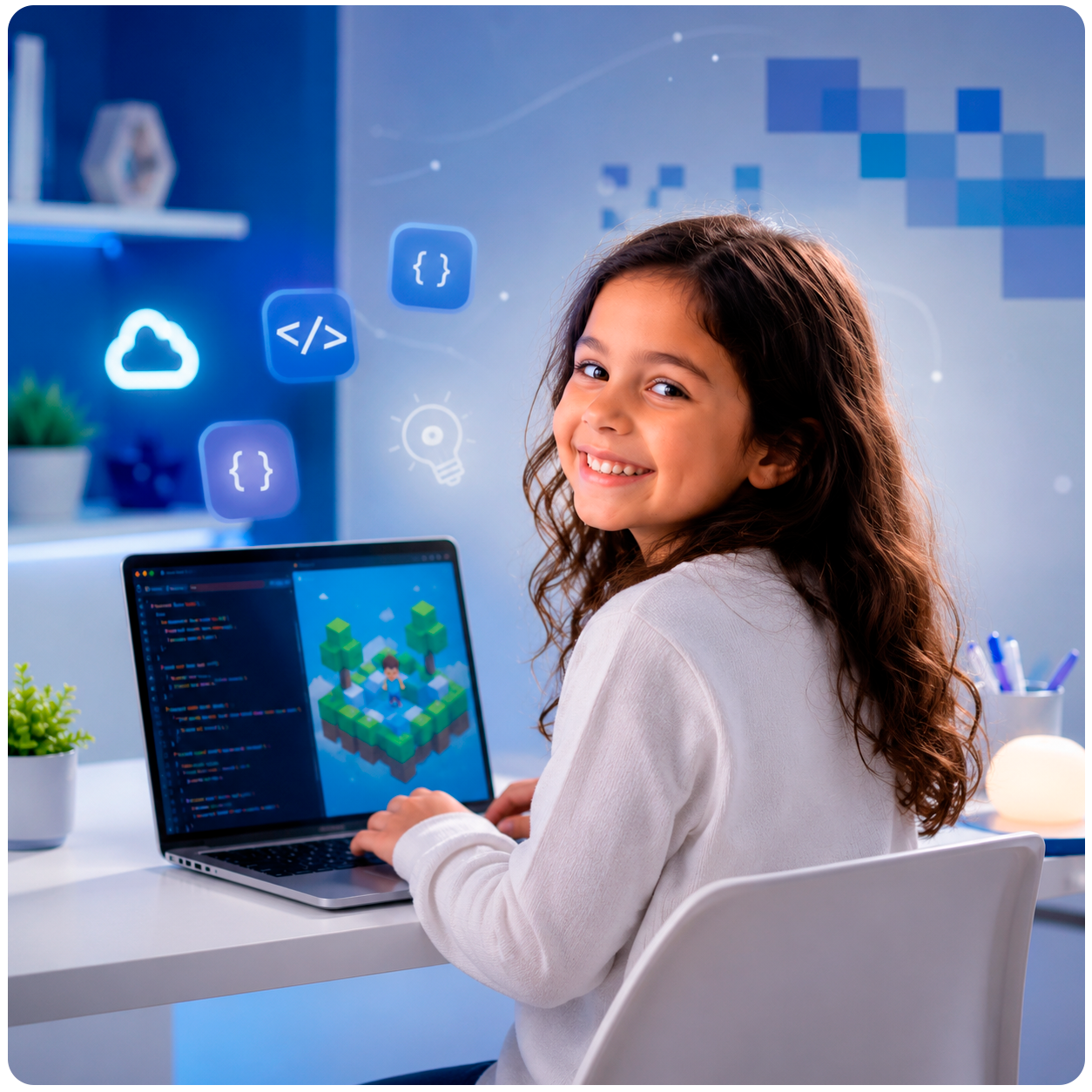

Minecraft Education Edition Coding Classes for Kids in the UK

If your child loves building worlds in Minecraft, imagine what they could do if they learned to code inside it.

At Xirons, our online Minecraft Education Edition classes teach children aged 8 to 13 how to programme, create mods and build interactive experiences using the world they already love. It is hands-on, creative and genuinely fun, and parents are often surprised by how quickly their child progresses from building simple structures to creating interactive Minecraft experiences using code.


What is Minecraft Education Edition?

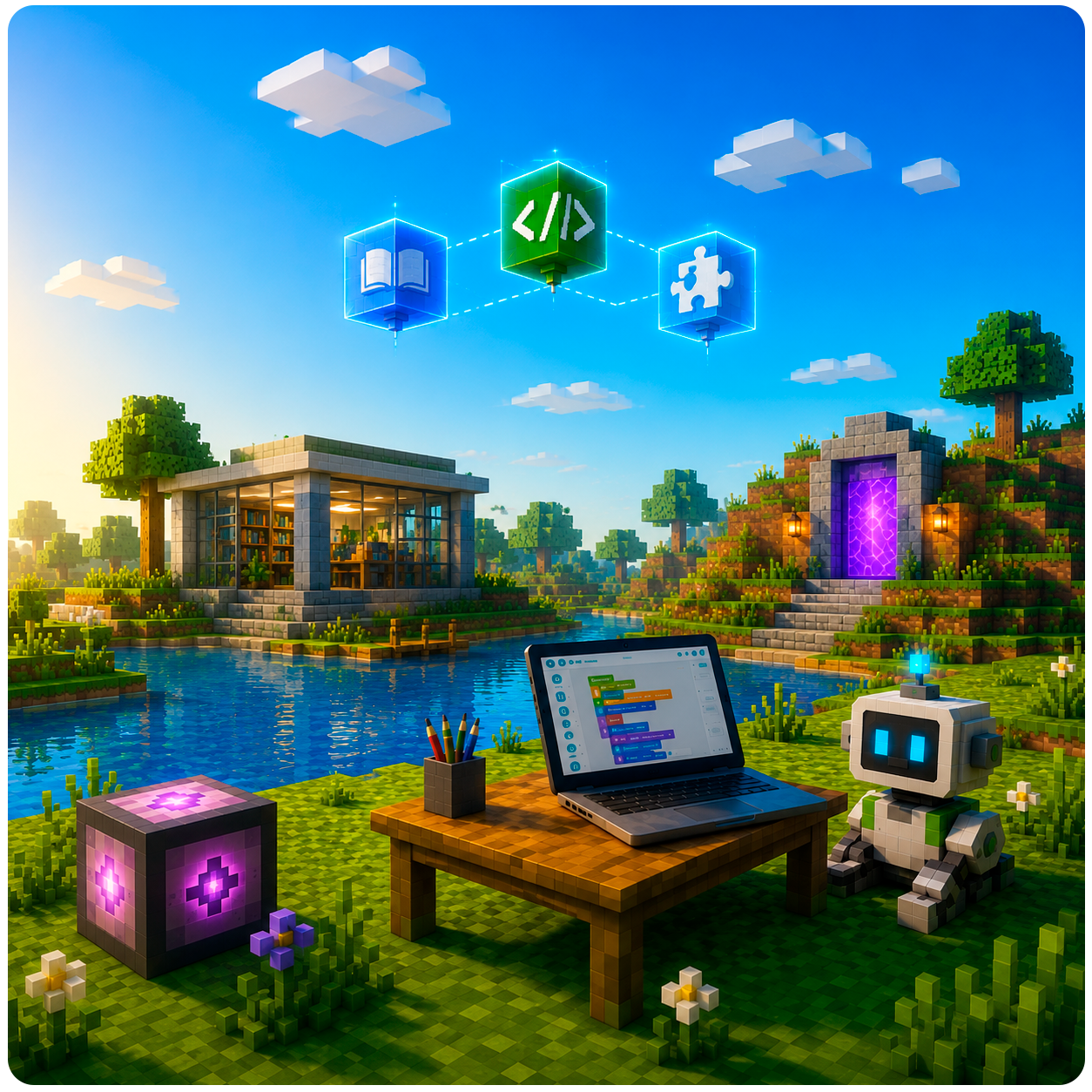
Minecraft Education Edition is the official classroom version of Minecraft, designed specifically for learning. Unlike the regular game, it includes built in coding tools that let children write real code and see it come to life instantly inside their Minecraft world. Your child uses the same Minecraft they know and love, but now they are building, scripting and creating rather than just playing.

image

What Your Child Will Learn

In our Minecraft Education Edition classes, your child will:

Learn block-based coding using Microsoft MakeCode, perfect for beginners

Progress to text based coding using Python as confidence grows

Build their own mods, changing how the Minecraft world looks and behaves

Work with 3D coordinates, geometry and spatial thinking

Design their own mini games and challenges for friends to play

Develop computational thinking, breaking big problems into smaller solvable steps

Skills Your Child Will Develop

Through Minecraft Education Edition, children naturally build:

Computational thinking

Logical reasoning

Creativity

Problem-solving skills

Collaboration

Digital confidence

Resilience

Communication

Who Is This Course For?

This course is ideal for :

Children aged 8 to 13 based in the UK

Complete beginners, no coding experience needed whatsoever

Kids who already play Minecraft and want to go deeper

Children who enjoy building, designing and creative problem solving

Parents looking for a structured, educational use of screen time

image
image

Immediate results

your child writes a line of code and sees it happen instantly in their world

image

Real programming languages

Make Code and Python are used by professional developers worldwide
image

Creative freedom

no two children build the same thing, so every class feels personal
Why

Minecraft Education Edition Is Perfect For Learning to Code

Minecraft is one of the most popular games in the world for a reason, it rewards creativity, patience and problem solving. Coding in Minecraft feels like a natural part of the game since kids connect it with fun, making it far less intimidating than traditional coding lessons.

Here is what makes it such a powerful learning tool:

image

Transferable skills

children build a strong foundation in mathematics, game design and computer science that serves them well in the future

image

Confidence builder

finishing a mod or mini game gives children a huge sense of achievement

image

Supports school learning

Coding activities reinforce logical reasoning, sequencing, mathematics and digital literacy in an engaging way.
image
Why Parents

Choose Minecraft Education

Many parents want their children to enjoy technology without spending hours consuming content passively.

Minecraft Education Edition encourages children to become creators rather than consumers. Every lesson combines creativity, problem solving and coding, helping children develop valuable digital skills while working on projects they genuinely enjoy.

Learning with

Transparency & Trust

What

Make Xirons Different

1

Safe & Secure Learning

A monitored, child friendly online environment

3

Fun & Engaging

Gamified learning through Minecraft & Roblox keeps kids excited.

2

Project Based Learning

Kids build real projects, not just watch lessons

4

Soft Skills Focus

Beyond coding, we develop emotional intelligence, teamwork, and problem-solving.

5

Expert-Led 1:1 Sessions

Personalized attention for every learner.

How

We Teach at Xirons?

1

Live personalised lessons with an expert tutor

2

Learn through hands-on projects

3

Regular feedback and guidance

4

Build a portfolio of completed work

5

Progress at a pace that matches the learner

Course

Details

Age Group

8 to 13 years old

Level

Beginner to Intermediate

Class Format

Live online with a real tutor

Coding Languages

MakeCode (block-based), Python

Class Size

1:1 for personal attention

Requirements

A laptop or PC, stable internet connection

Schedule

Flexible to suit your family’s availability

Trial Class

Completely free

Trusted by

Parents like You from different Countries

FAQs

Frequently Asked Questions

It helps but it is not required. Whether your child is a Minecraft expert or has never played before, our tutors start from the beginning and build at your child’s pace.

Our Minecraft coding classes are designed for children aged 8 to 13. As every class is taught 1:1, lessons are fully personalised to your child’s age, skill level, interests, and learning pace, helping them build confidence and progress faster.

No. We use Minecraft Education Edition which your child can access through Xirons, you do not need to purchase anything separately.

Younger children start with MakeCode, a beginner friendly block based coding tool. As they progress they move into Python, which is a real professional programming language used worldwide.

 It is proper coding. Your child will write real code that changes how their Minecraft world works. Children explore computer programming and game design, creating their own modifications using the built in code editor, then testing their projects. It is far more structured and educational than simply playing the game.

 All Xirons classes are live with a real tutor on screen. Your child can ask questions, share their screen, and get direct feedback in real time.

 Absolutely. All our tutors are carefully vetted through our rigorous verification process, including identity, qualification, and suitability checks before they begin teaching. We follow strict UK safeguarding and child protection policies and parents are always welcome to sit in and observe.

By the end of the course your child will have built their own Minecraft mods and mini games, real projects they can show family and friends and be genuinely proud of.

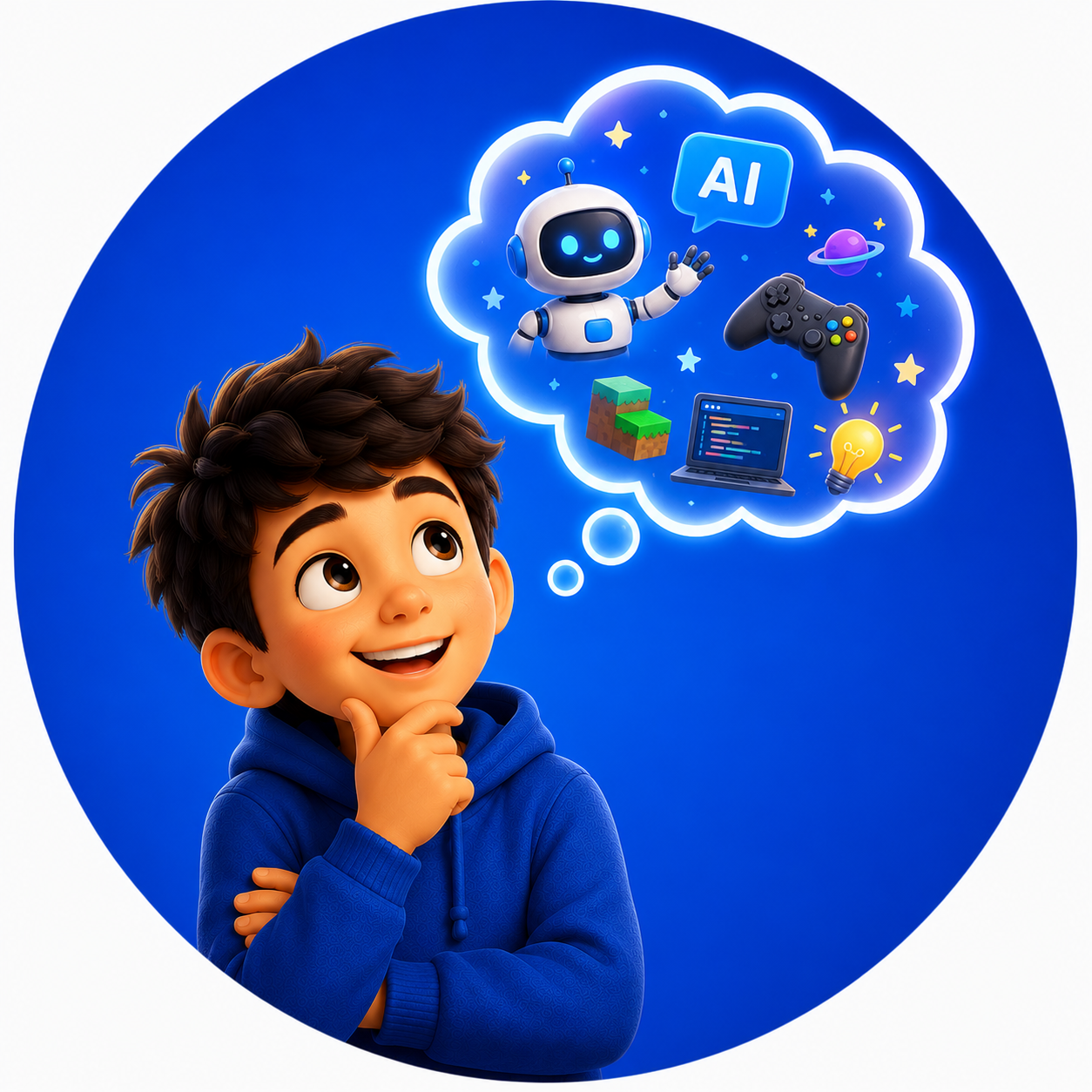
Turning imagination into real-world skills
image
image
image